

The group album everyone shoots.

Camdid passes the camera around your event, keeps every photo blurred so you stay present, then reveals one shared album from everyone's perspective.


Download on the App StoreGet it on Google Play
  • Free to download
  • iPhone & Android
  • Your guests only

Someone always ends up behind the camera.

And half the night never makes the group chat. Camdid spreads the camera across everyone, so the moments you'd usually miss actually get captured — without anyone glued to their phone.

How it works

How Camdid works

Create an event, invite your people.

Name it, set when it starts and ends, and invite guests with a link, a QR code, or from your friends list.
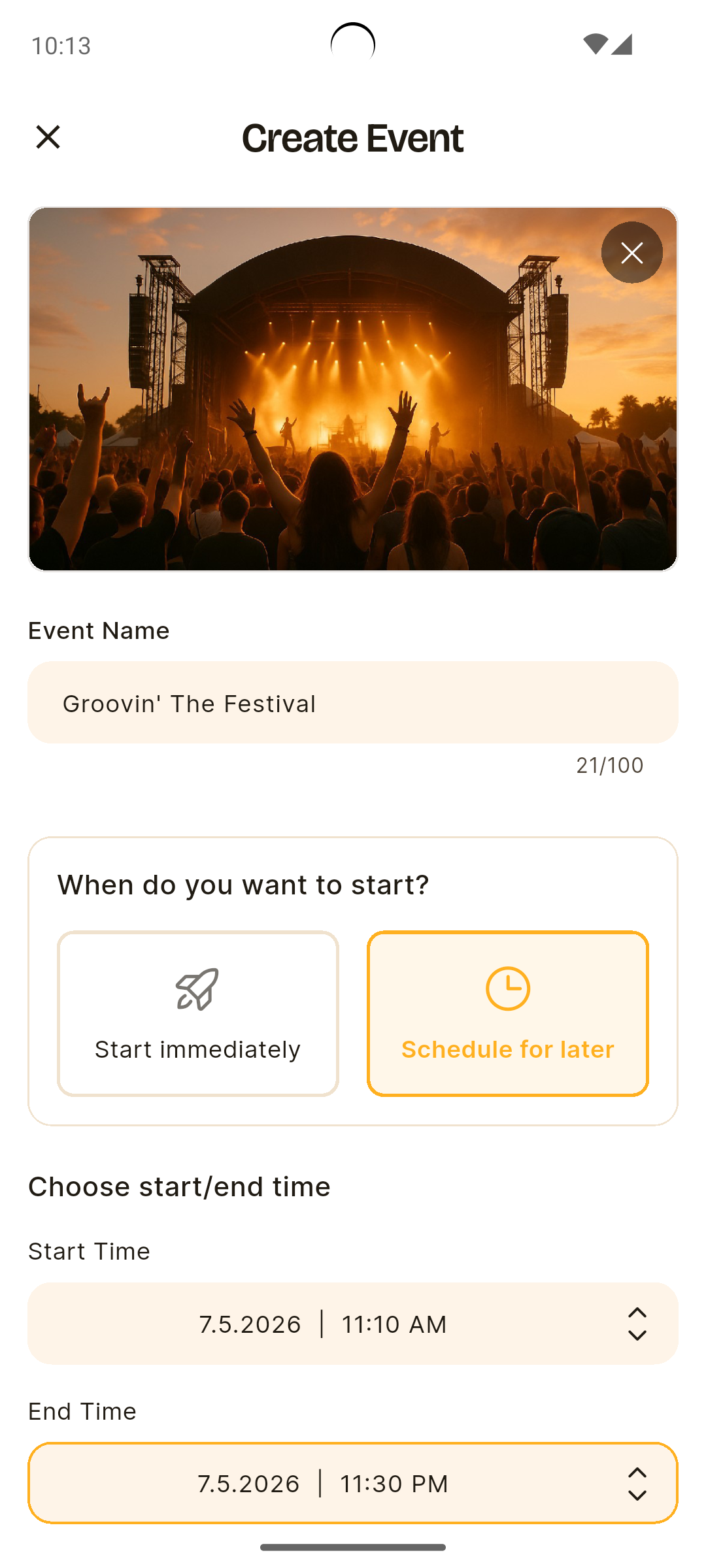
Camdid Create Event screen

The camera gets passed around.

At intervals the host sets, Camdid picks the next photographer — a ping, a countdown, one shot. Nobody knows who's next.
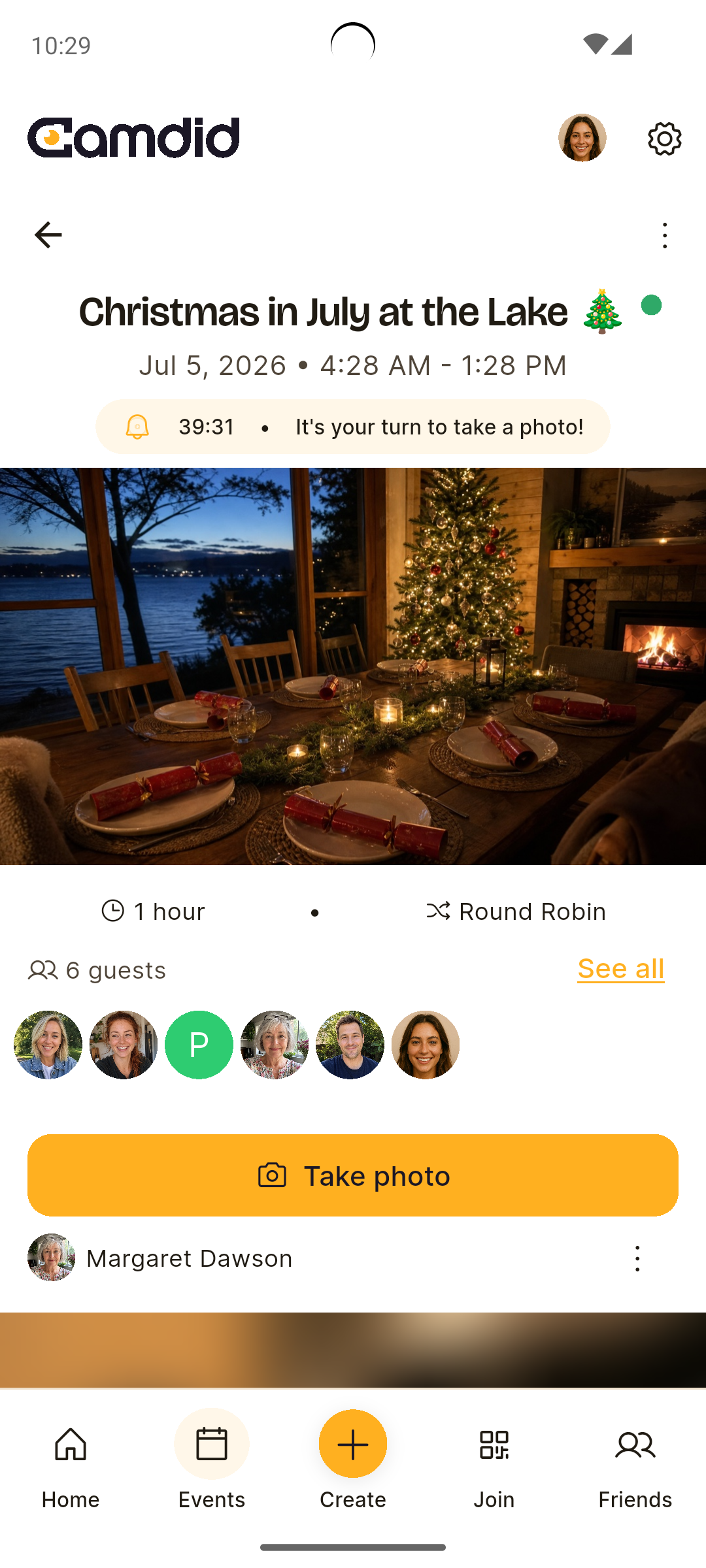
Camdid "It's your turn" camera screen with countdown

Photos stay blurred — so you stay present.

No previews, no doom-scrolling. Just the event.
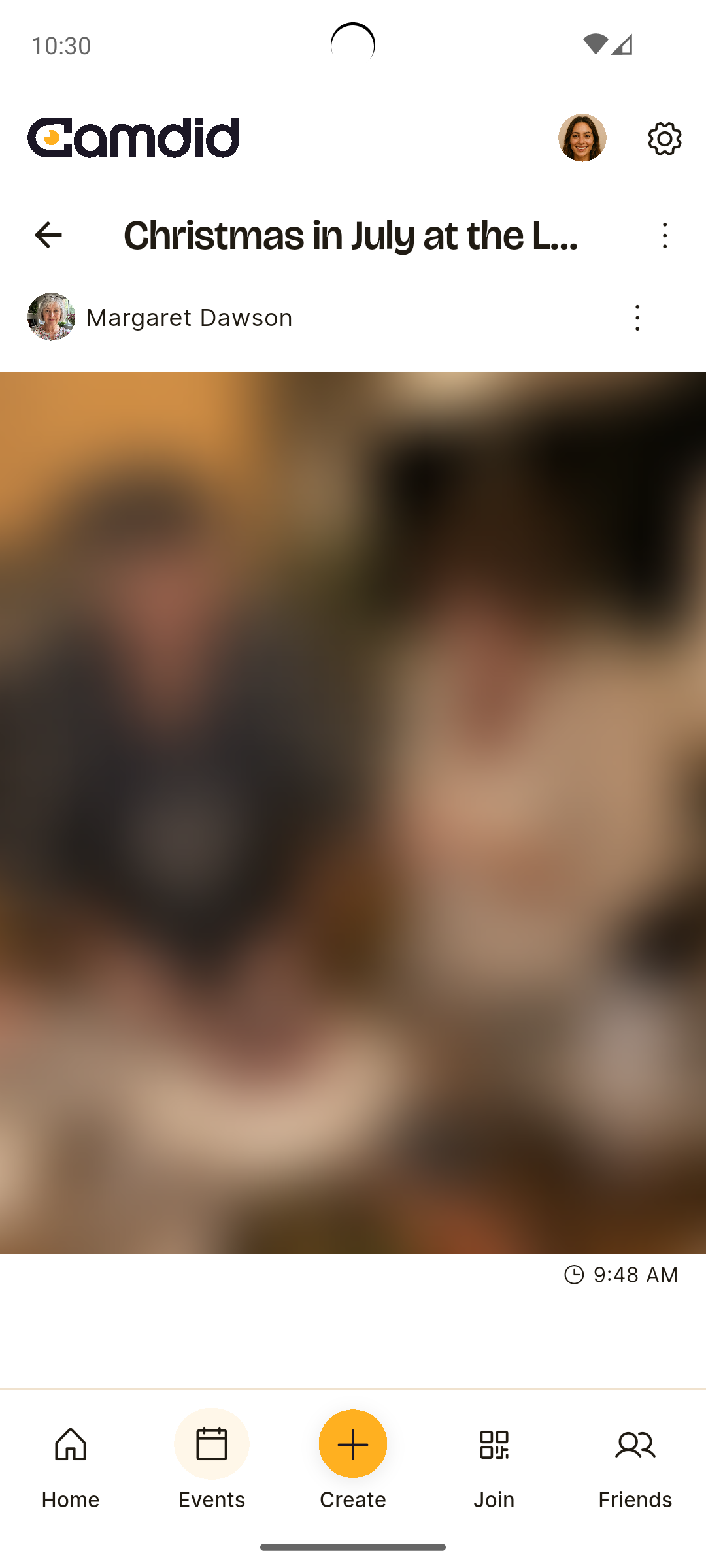
Camdid blurred event album grid

The roll reveals.

When the event ends — or the host calls it early — every photo unblurs at once: one shared album from everyone's angle.
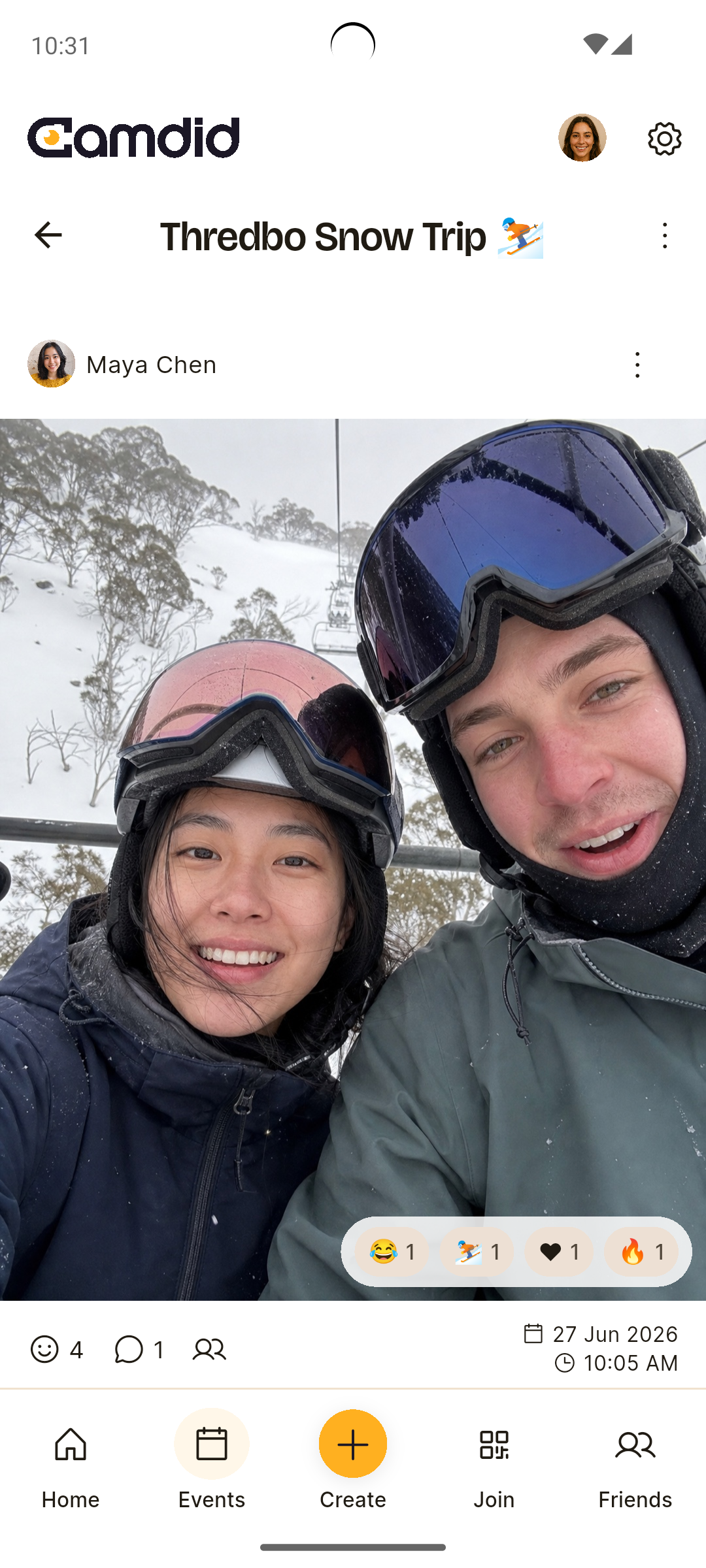
Camdid revealed event album grid
The reveal

The best part is the reveal.

Every shot stays hidden until the event ends. Then the whole roll develops at once — and you finally see the night through your friends' eyes.

Bride dancing through falling confetti as cheering guests look on
Features

Built for real moments

One shared album

Everyone's photos in one place, each tagged with who shot it. No chasing friends afterwards.

Candid, never posed

The app picks who shoots and when — one shot at a time, so you get the in-between moments, not another lineup of forced smiles.

React, comment & tag

Once the album reveals, relive it together: emoji reactions, comments with @mentions, and tags for who's in each shot.

Memories that resurface

"On This Day," anniversaries and reunions bring old events back when you least expect it.

Join in seconds

Scan the QR at the party, tap an invite link, or accept an invite from a friend — and you're in.

You're in control

Sit out of taking photos whenever you like, and hosts can set Quiet Hours so nobody's pinged at 3am. The album stays with your guests only.

Occasions

For every kind of get-together

Parties & nights out event photo

Parties & nights out

Capture the chaos no one remembers to photograph.
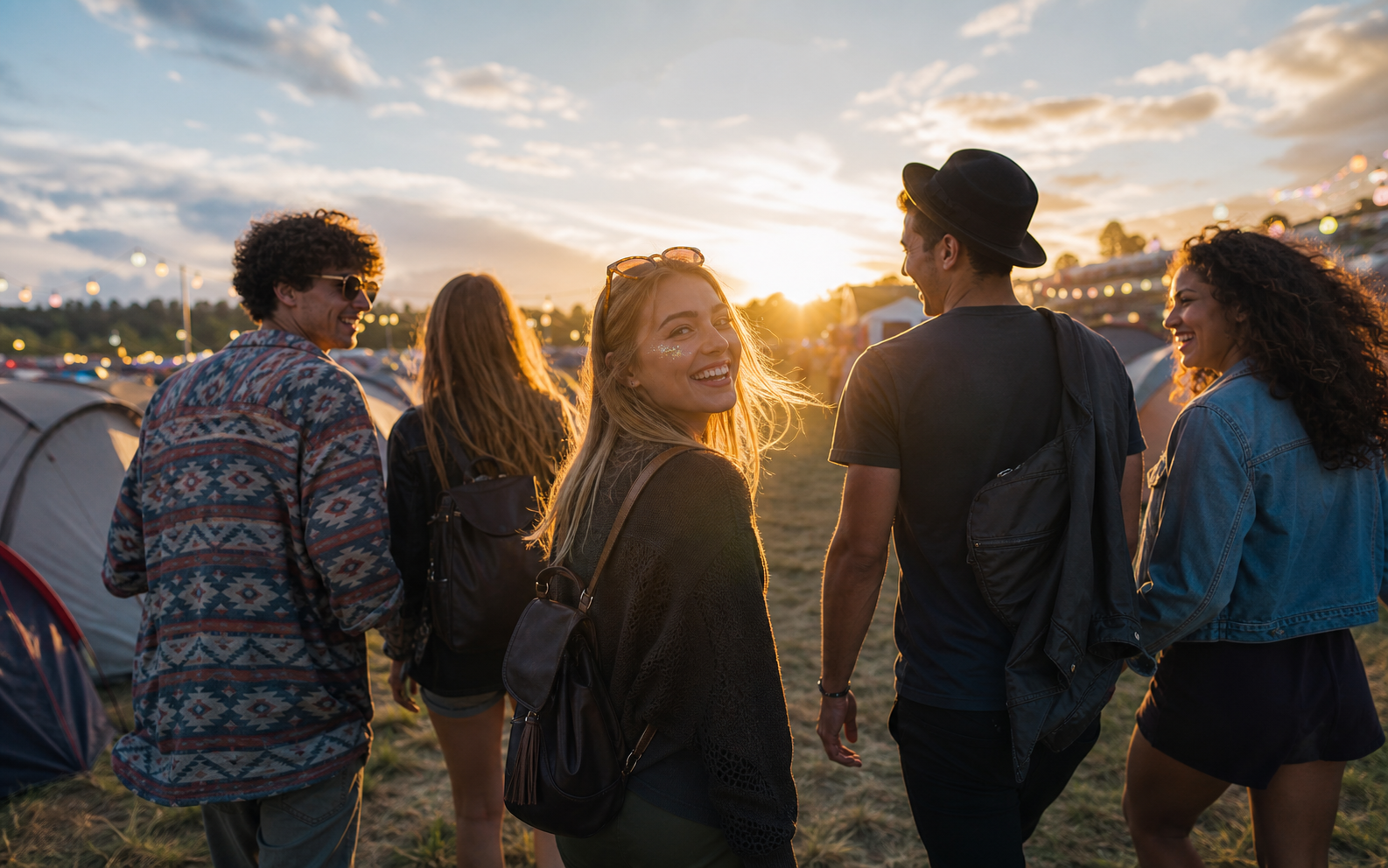
Group trips & festivals event photo

Group trips & festivals

Days of moments, from everyone, in one roll.

Weddings & celebrations event photo

Weddings & celebrations

A candid album your guests build for you.

Birthdays event photo

Birthdays

The surprise, the cake, the candids.

Family & holidays event photo

Family & holidays

Get everyone in the album, not just whoever held the phone.

Reunions event photo

Reunions

Get the group back together — and back in the frame.

Comparison

Not just another shared album

FeatureA shared album / group chatCamdid
Who takes the photosWhoever remembers (usually one person)Everyone — the camera gets passed around
The photosPosed, curated, duplicatedCandid and unposed
During the eventHeads down, picking filtersBlurred, so you stay present
AfterChase friends, merge camera rollsOne album, automatically, from every angle
Privacy & control

Candid, not careless

Candid doesn't mean exposed. Events are invite-only, nothing is ever public, and the album is only revealed to the guests who were part of it.

  • Only invited guests who join can see an event.
  • Photos are blurred until the event ends, then only revealed to accepted guests.
  • Anyone can opt out of taking photos and still enjoy the album.
  • Block & report is built in.
  • Hosts can remove guests or photos.
  • Delete your account anytime.
Social proof

Made for groups who'd rather be in the moment

As seen on iOS & Android

Download on the App StoreGet it on Google Play
FAQ

Questions, answered

Everything you need to know about how Camdid works.

Yes — free to download and use. An optional one-time Premium upgrade (per event, no subscription) unlocks more guests and a Photo Map.

Only the people you invite who accept and join the event — there's no public feed. Photos stay blurred while the event is live and are revealed to your guests when it ends. Blocking and reporting are built in.

You don't pick the photos — Camdid passes the camera around so everyone shoots candidly, and the whole album reveals at once at the end. It's about the moment, not managing a folder.

While your event is live, Camdid picks one guest at a time to be the photographer — on a rhythm the host sets, anywhere from every five minutes to once a day. Nobody knows when their turn is coming: you get a ping, a short countdown, and one shot to capture whatever's happening.

No — every photo is taken live, in the app, when it's your turn. No gallery uploads, no filters, no picking your best angle. That's exactly what keeps the album candid.

No. Switch off "Participate in photos" and you'll never be picked as the photographer — you'll still get the full album when it's revealed.

iPhone and Android.

Standard events fit up to 15 guests. A one-time Premium upgrade lifts that single event to 100.

Not if the event has Quiet Hours — the host picks a window (overnight, say) and photo turns pause until it's over. You can also choose which types of notifications you get in the app.

Yes — once the event ends you can save individual photos to your camera roll, share them, or download the whole event in one go.

Share the invite link, show the event QR code, or invite your Camdid friends straight from the app. A quick sign-in (Apple, Google or email) keeps the album to invited guests only.
Camdid

Your next event deserves a better camera roll.

Download Camdid free. Create an event in a minute.

Download on the App StoreGet it on Google Play

Free to download